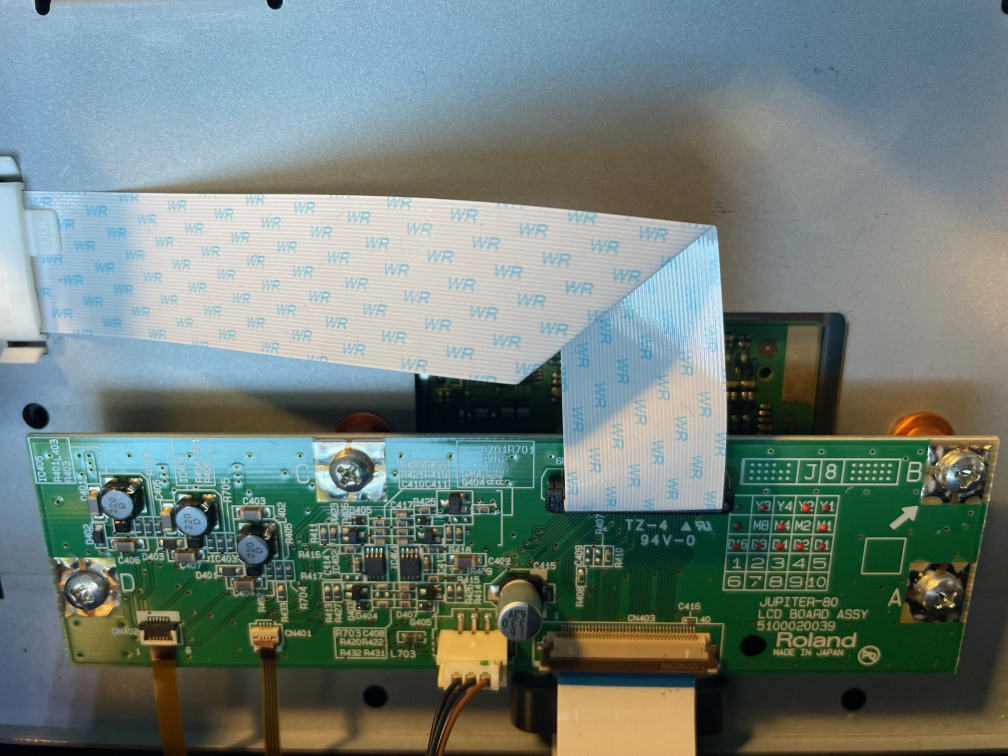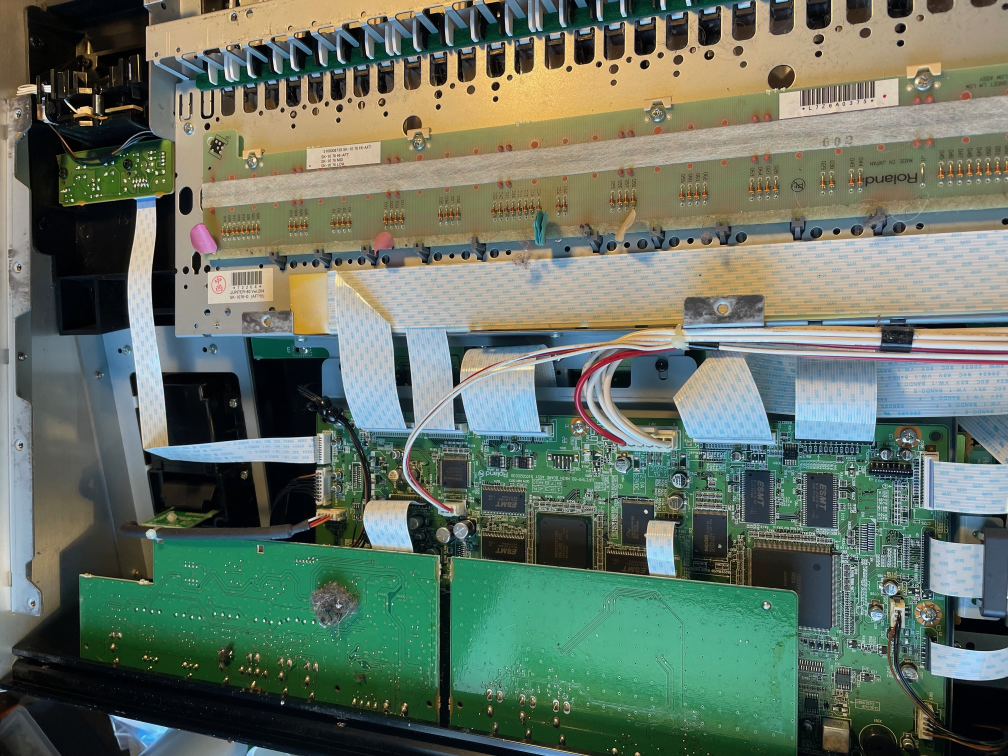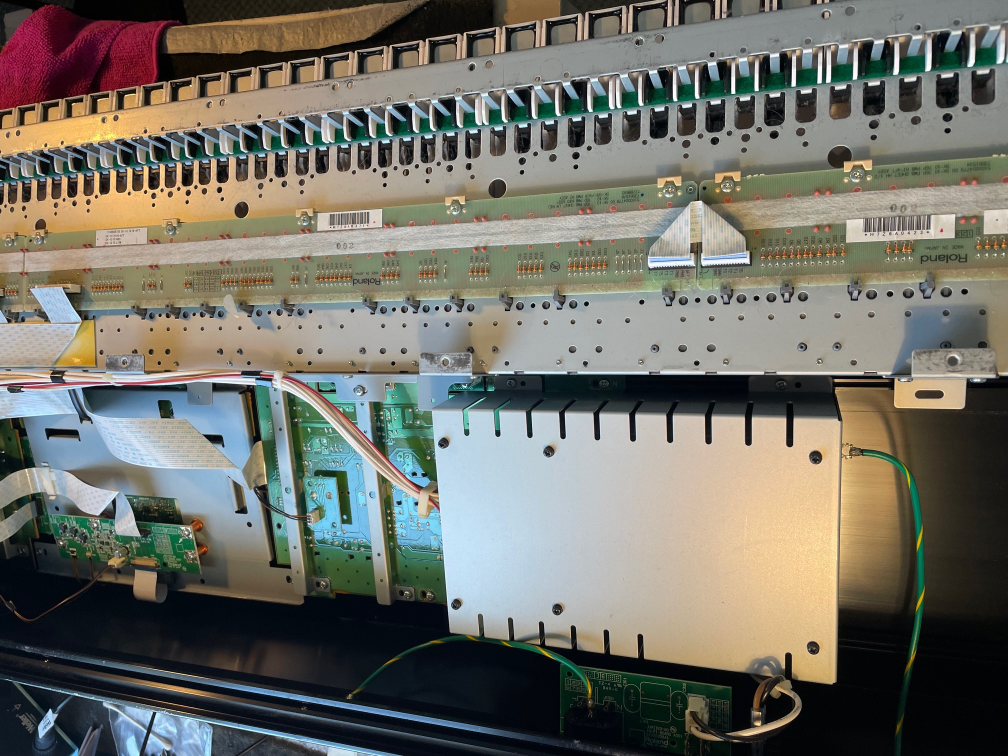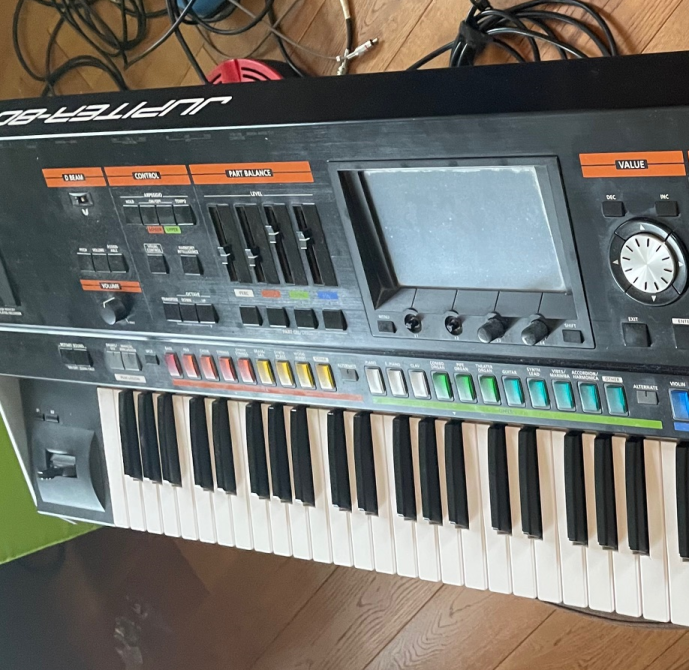
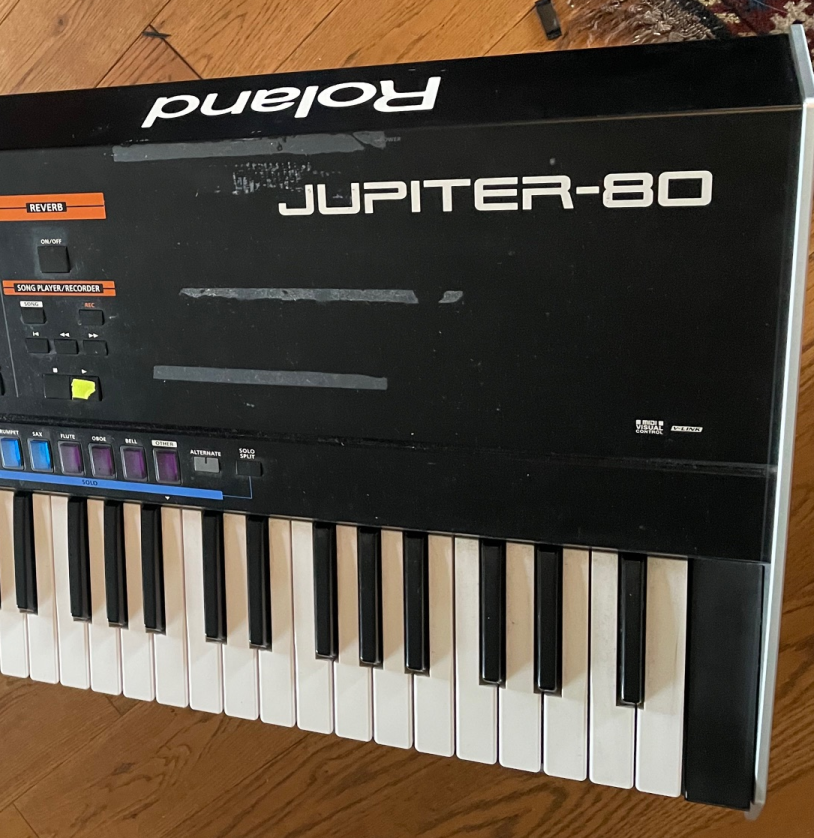
Roland Jupiter80 Repair – Touch screen was dead.
Contrary to the wise words of the all knowing interweb…to access the internals the bottom panel first needs to be removed.
It is not necessary to remove the screws on each of the metal cheeks. If you do that then when removing all the bottom tray screws the two support brackets will fall inside.
It seems easier to simply remove all 29 bottom plate screws just leaving the 7 right at the front that hold the preset button panel in place.
The bottom then needs to be lifted a small amount so the FFC ribbon cable can be disconnected before lifting the whole thing away.